AI interior design
redesign any room, in seconds.
Snap a photo, pick a style, get a photoreal interior render. Free every day, no subscription.
Try it free in your browserOr get the app
Scan with your phone camera. The app lets you know the moment your design is ready.
Before & after
One photo. A whole new room.
Real results, made with archelier. Drag to compare.
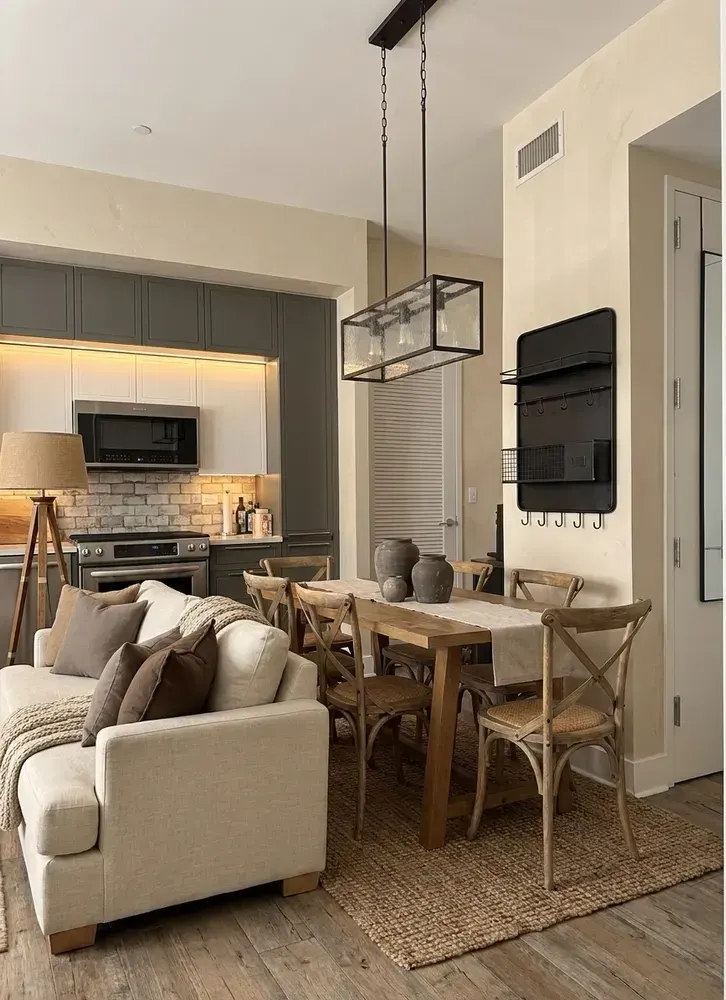
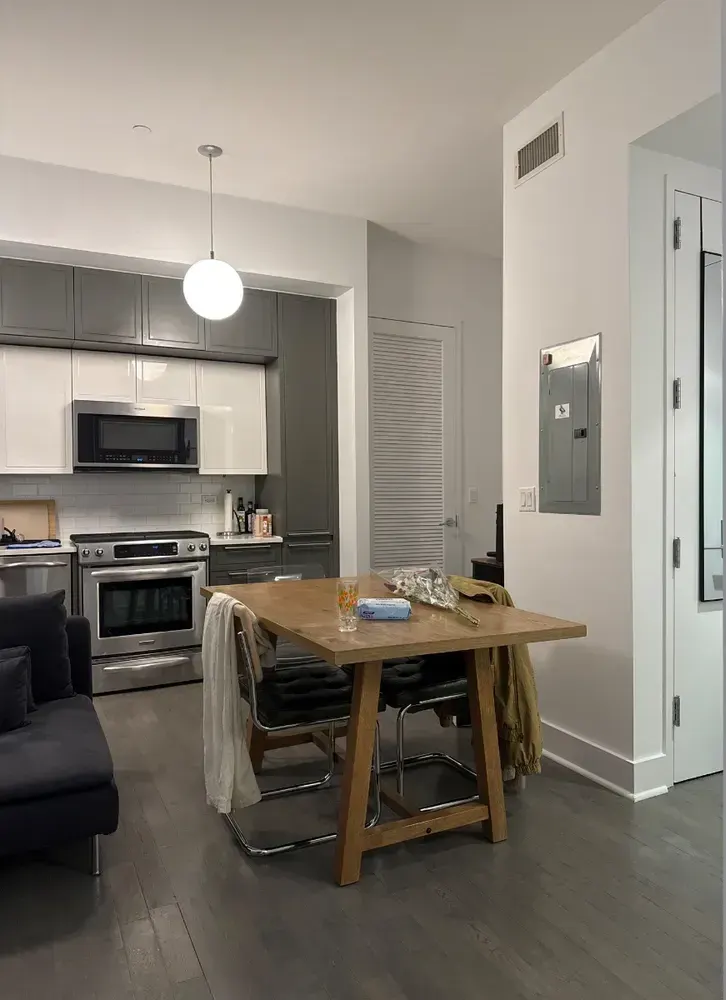
Rustic — the same kitchen and living room, made warmer.
 BeforeAfter
How it works
Three steps, about a minute.
Take a photo
Any room, just as it is — or a sketch, a floor plan, or a 3D screenshot. Up to 3 angles of the same room.
Pick a style
Choose one of 48 styles, describe your own in a sentence, or upload a photo whose look you love.
Get your design
A photoreal render of your space, with a furniture list, color palette, and lighting plan.
Styles
48 styles, three kinds of space.
28 for interiors, 11 for exteriors, 9 for gardens — plus seasonal looks for Halloween, Christmas, Lunar New Year, and spring.
Interior 28
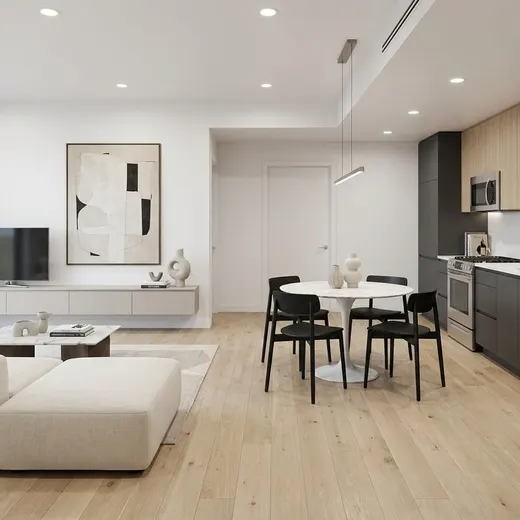 Modern
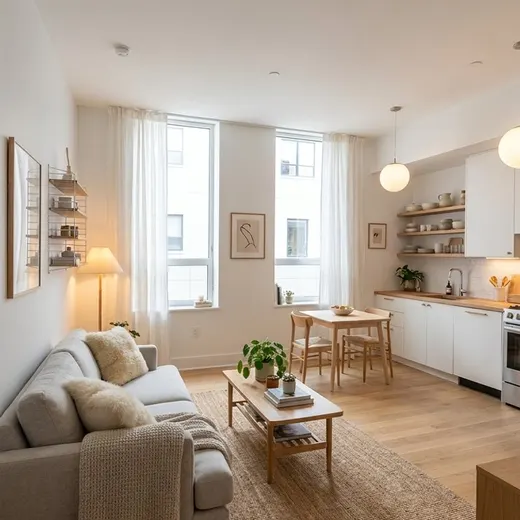 Scandinavian
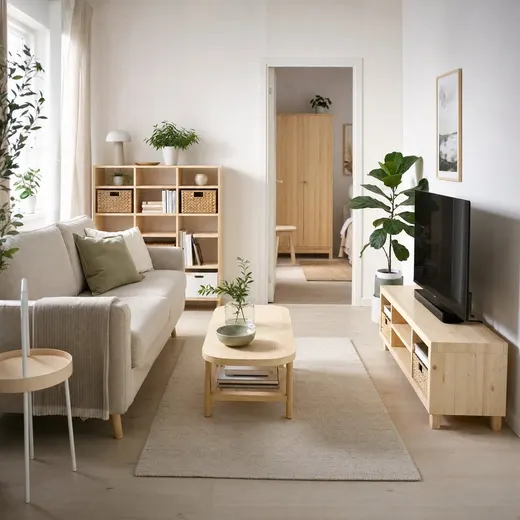 IKEA
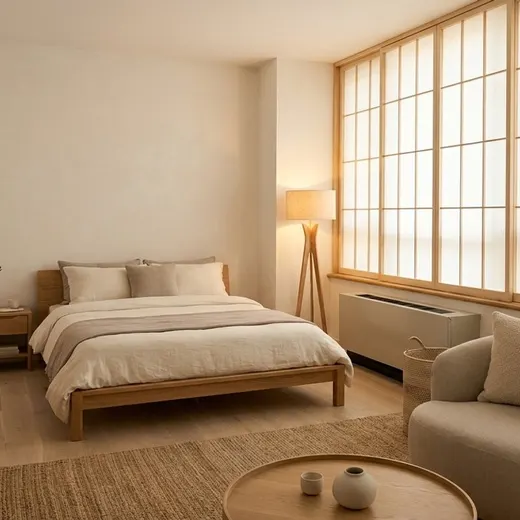 Japandi
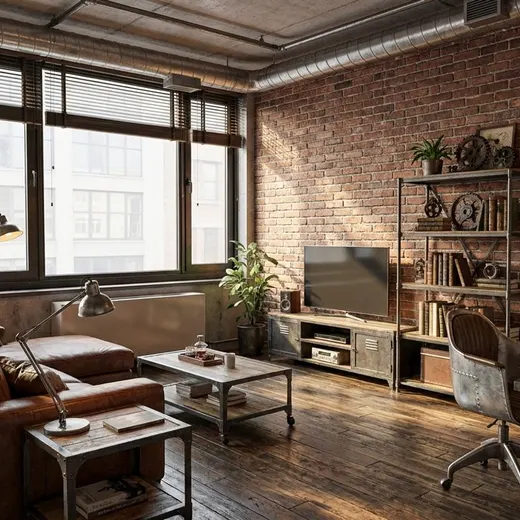 Industrial
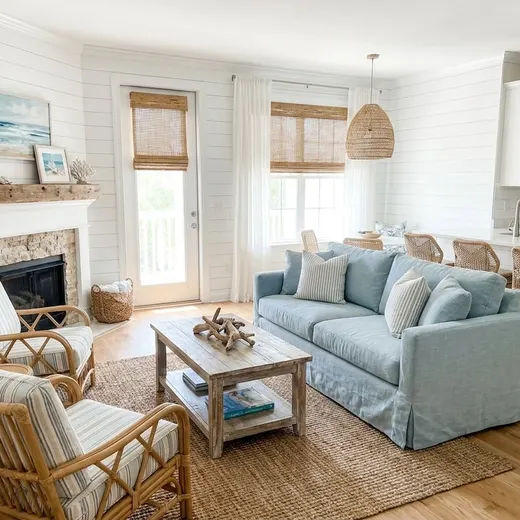 Coastal
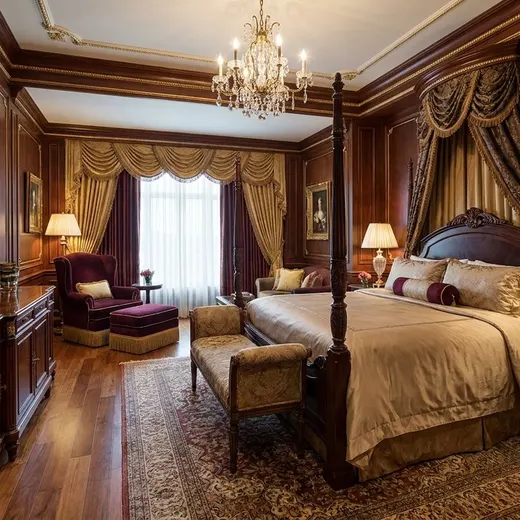 Classic
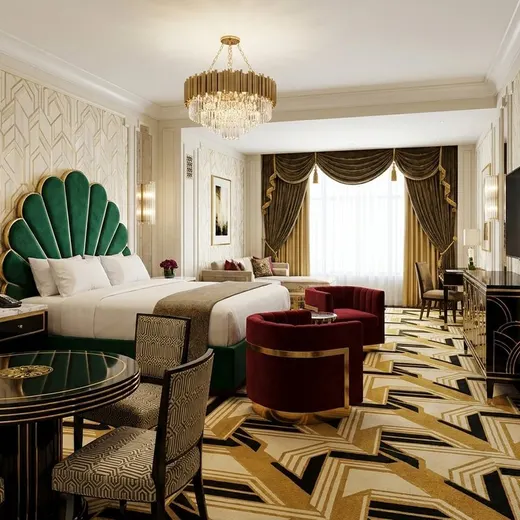 Art Deco
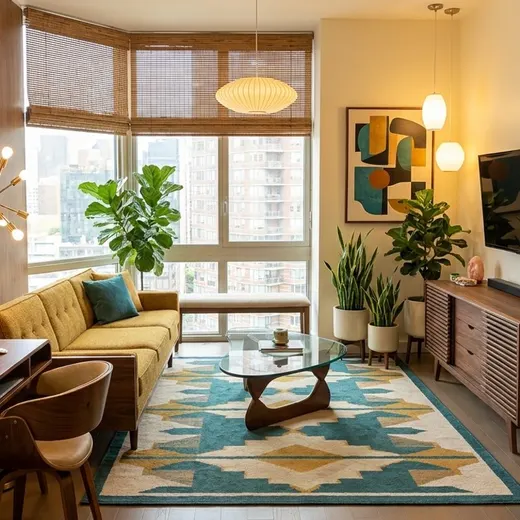 Mid-Century Modern
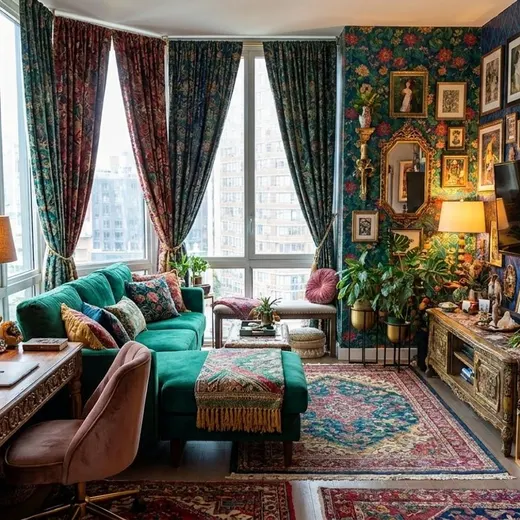 Maximalist
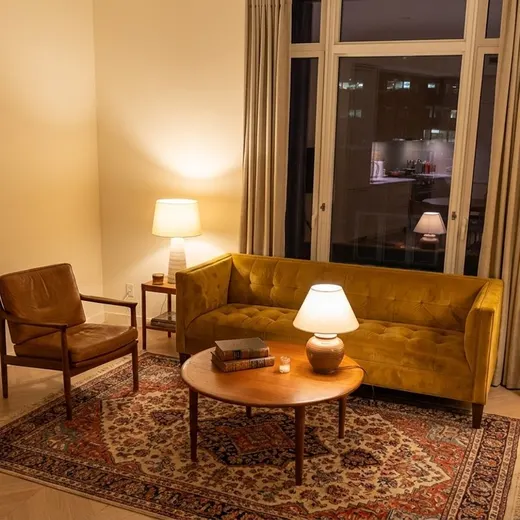 Vintage
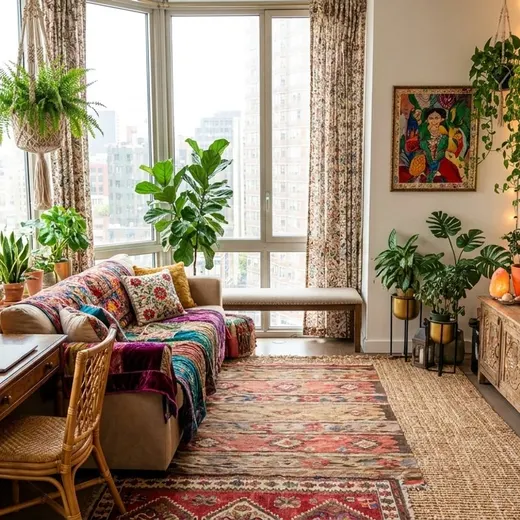 Bohemian
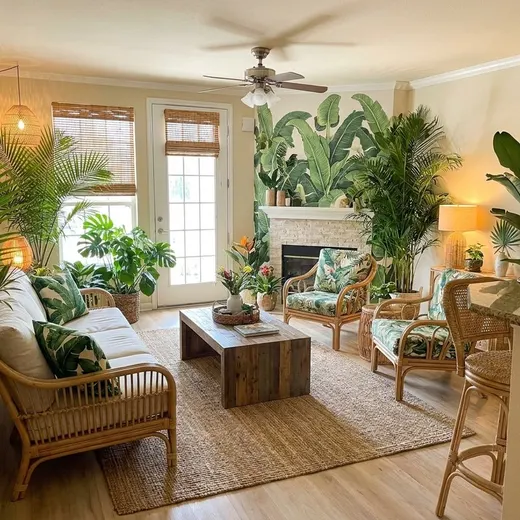 Tropical
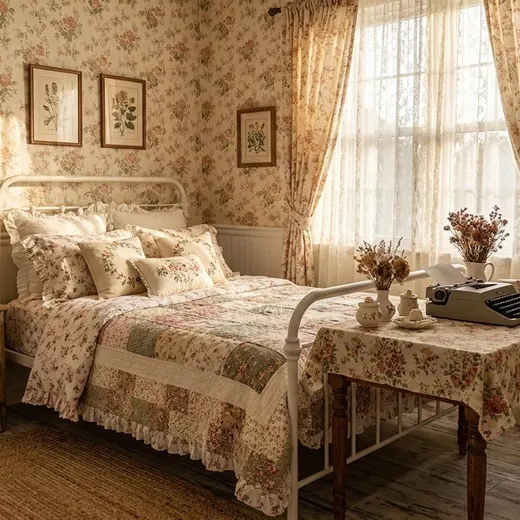 Cottagecore
 Rustic
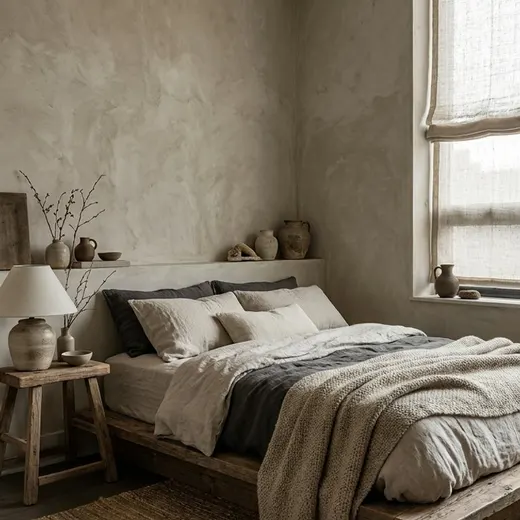 Wabi-Sabi
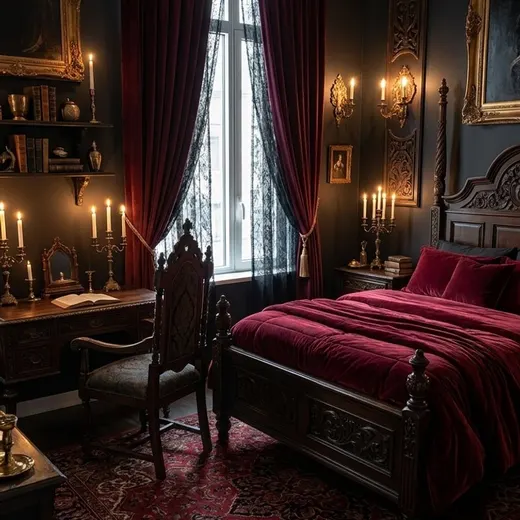 Gothic
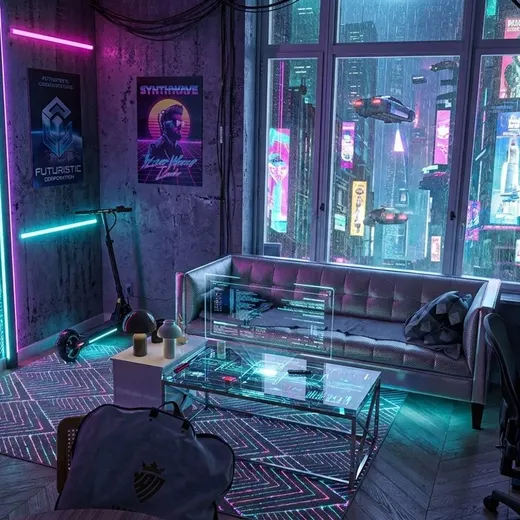 Cyberpunk
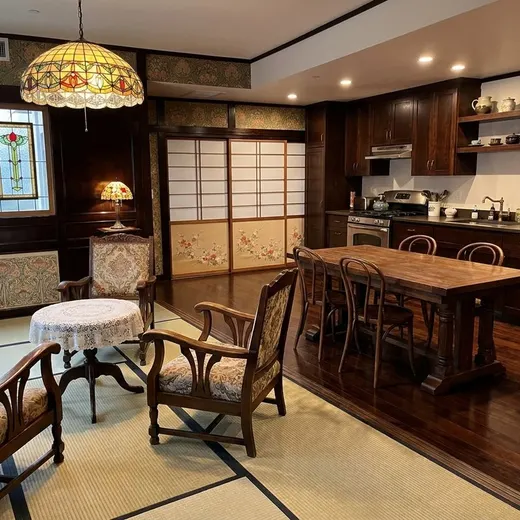 Taisho Romance
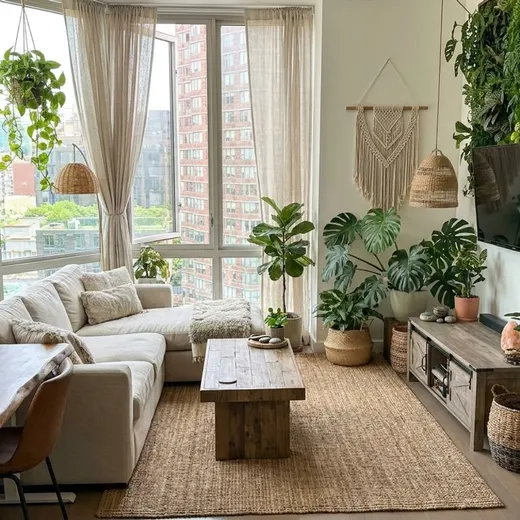 Biophilic
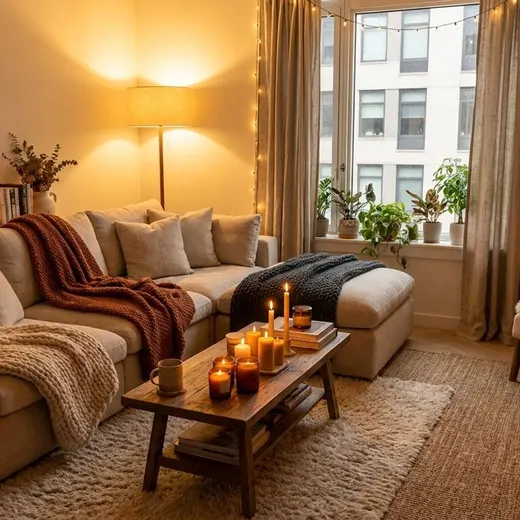 Cozy
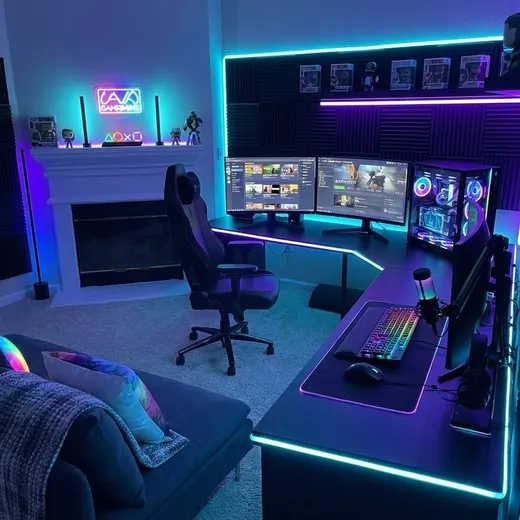 Gaming
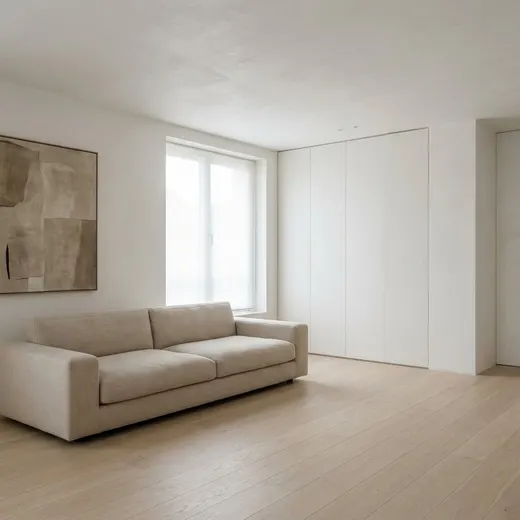 Minimalist
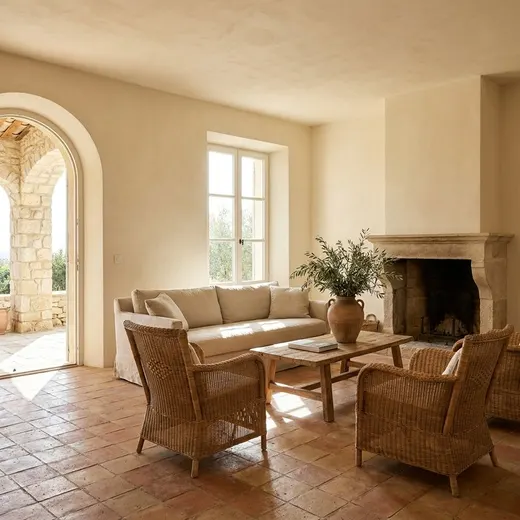 Mediterranean
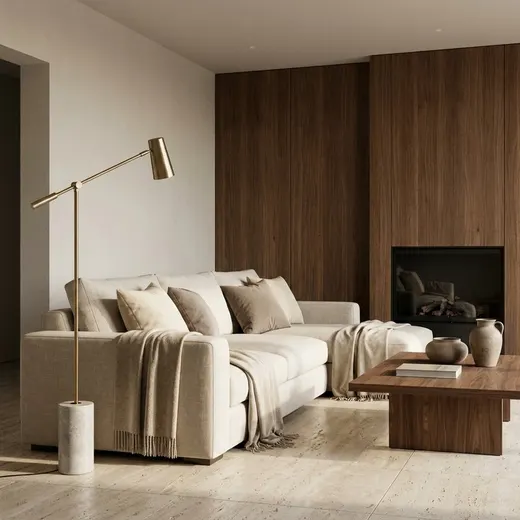 Quiet Luxury
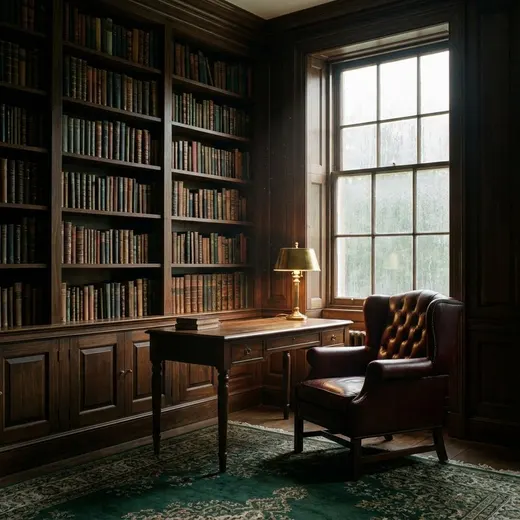 Dark Academia
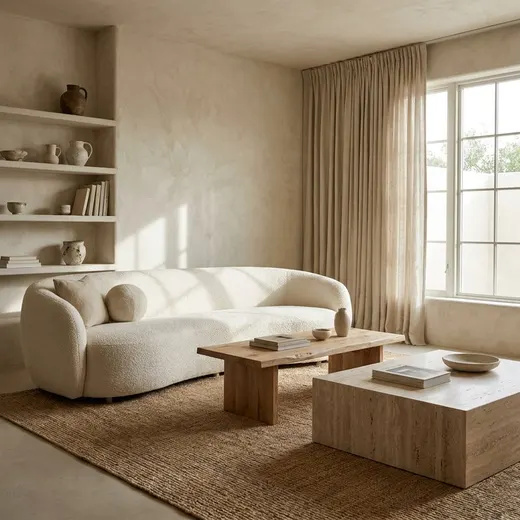 Organic Modern
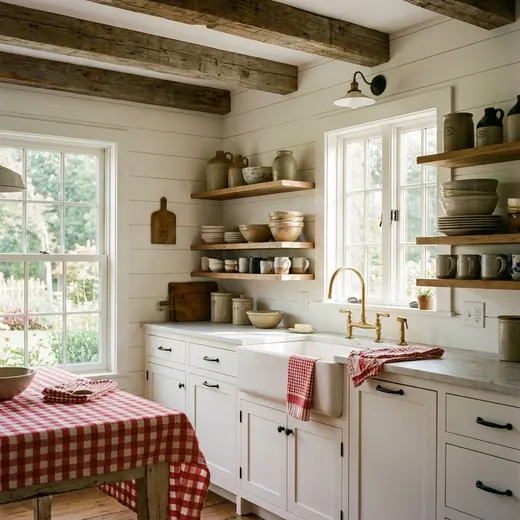 Farmhouse
Exterior 11
 Modern Facade
 Modern Farmhouse
 Mediterranean
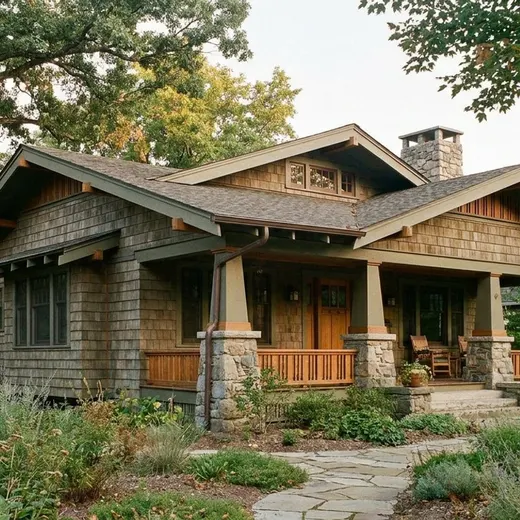 Craftsman
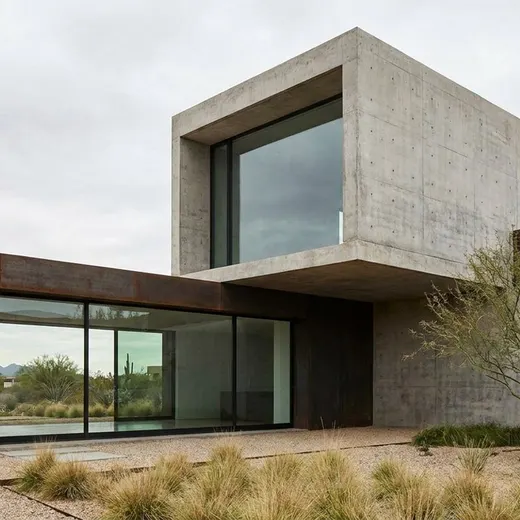 Contemporary
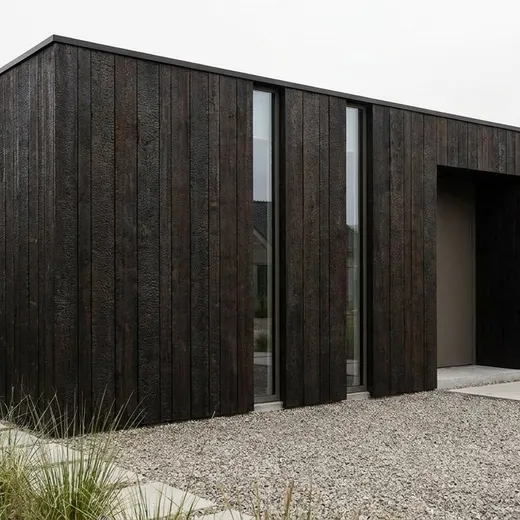 Minimalist Exterior
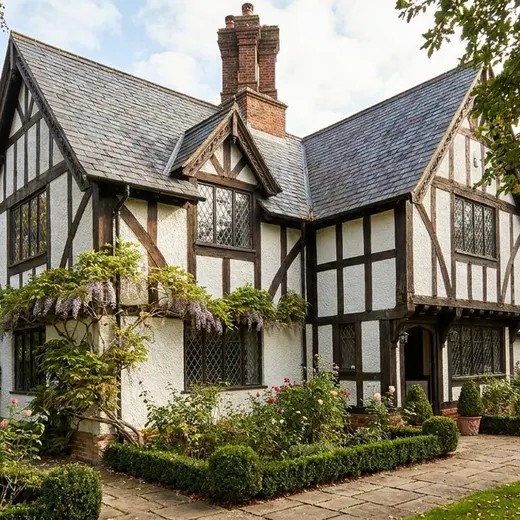 Tudor
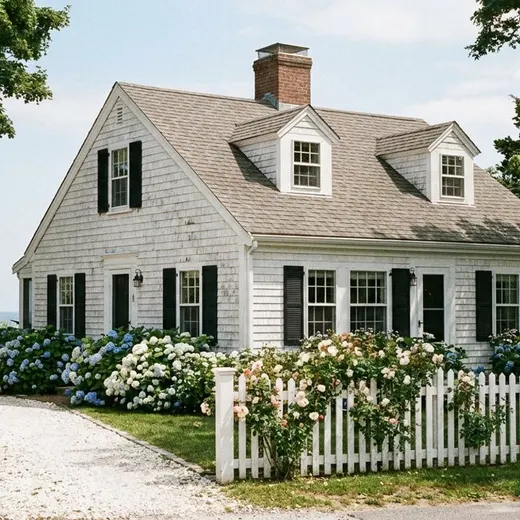 Cape Cod
 Japanese Traditional
 Mountain Cabin
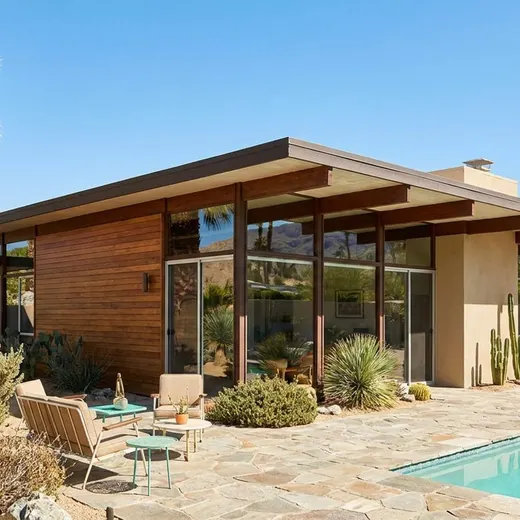 Mid-Century Exterior
Garden 9
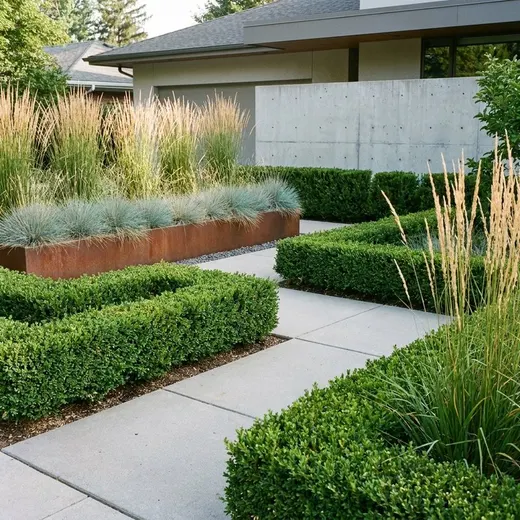 Modern Garden
 Zen Garden
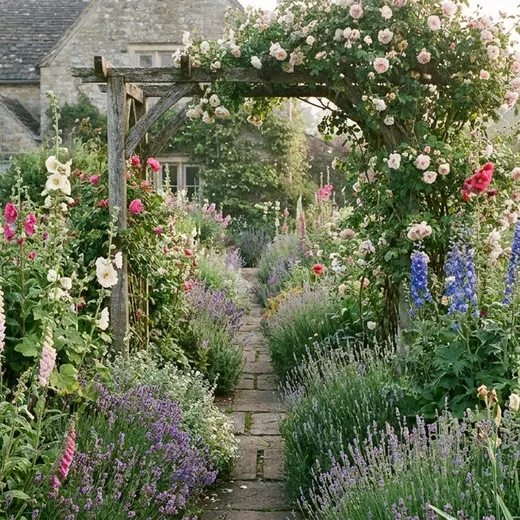 Cottage Garden
 Desert / Xeriscape
 Tropical
 Mediterranean
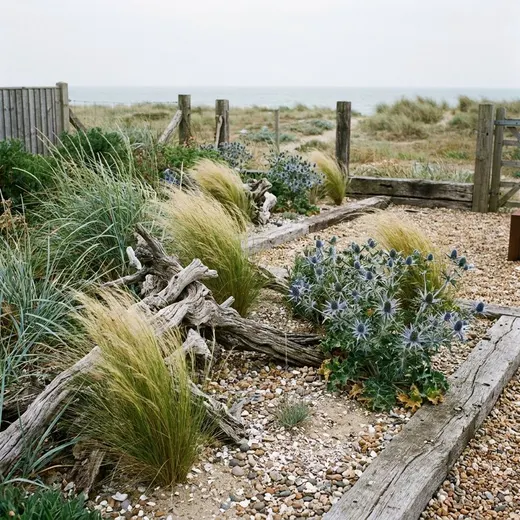 Coastal
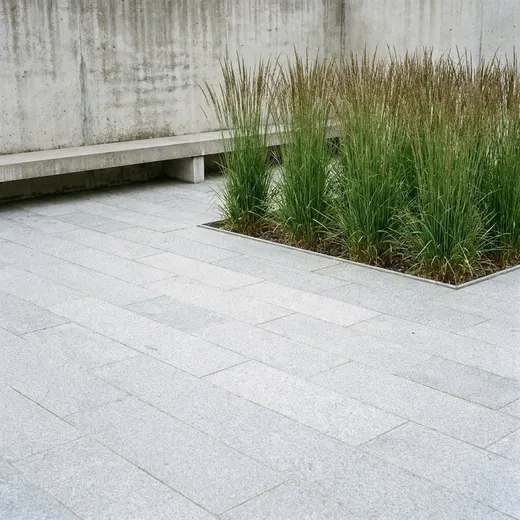 Minimalist
 English Garden
Beyond styles
Five more ways to work on a space.
Custom style
Describe the look in a sentence and save it for next time.
Reference
Upload a photo you love and borrow its tone, materials, and palette — not its layout.
Cleanup
Clear the clutter and see the room bare.
Layout
Rearrange the furniture that is already there instead of replacing it.
Floor plan
Turn a floor plan into a 3D view of the whole home, or a rough sketch into a clean drawing.
Brush editing
Change one thing at a time.
Not happy with just the sofa? Circle it and type what you want instead. archelier repaints only that area and leaves the rest of the room untouched — the same goes for wall color, rugs, lighting, and art.
Shop what you see.
Every design comes with a furniture list, color palette, and lighting plan, and each piece links to a search for ones that look like it.
Gio
Talk it through with a designer.
Gio is your AI space designer, in a tab of its own. Send a photo of your room, a picture or link of a space you love, or one of your designs. Gio suggests a direction and makes or edits the design for you, right in the chat.
Pricing
Free every day. No subscription.
- Free designs every day, refreshed at your local midnight
- A bonus when you create an account
- Invite a friend and you both get more
- Need more? Top up with a credit pack
Your photos stay yours.
Your photos, prompts, and designs are never used to train AI models or for advertising. Your designs stay private unless you share them.
Questions
What is archelier?
archelier (Architect + Atelier) is an AI interior design app for your phone and the web. Point your camera at a room, pick a style, and get back a photoreal redesign of that exact space, with every piece of furniture named and linked. It works for interiors, exteriors, and gardens.
How does it work?
Take a photo of the room, or upload a sketch, a floor plan, or a 3D screenshot. Pick one of 48 styles, describe your own, or upload a reference photo. In about a minute you get a photoreal render of your space, plus a furniture list, color palette, and lighting plan.
Is archelier free?
Yes. There is no subscription. Everyone gets free designs every day, refreshed at local midnight, plus a bonus for creating an account and for inviting a friend. If you want more, you can buy a credit pack.
Can it turn a floor plan into a 3D rendering?
Yes. Floor plan mode turns a 2D floor plan into a 3D view of the whole home in the style you pick. It can also turn a hand sketch or a blurry plan into a clean drawing or a colored plan.
Can I match the style of a photo I love?
Yes. Choose the Reference style and upload the inspiration photo. archelier borrows its tone, materials, and palette and applies them to your room without copying its layout.
Can I change just one part of a design?
Yes. Circle the area you want to change — the sofa, the rug, a wall — and type what you want instead. Only that area is repainted; the rest of the room stays as it was.
What is Gio?
Gio is archelier’s AI space designer. Send it a photo of your room, a picture or link of a space you love, or one of your designs. Gio suggests a direction, makes or edits the design for you in the chat, and answers questions about color, budget, and lighting.
Are my photos used to train AI?
No. archelier does not use your photos, prompts, or designs to train AI models or for advertising. Your designs stay private to your account unless you share them.
Where can I use archelier?
On the App Store, on Google Play, and on the web at archelier.co. Your account and designs stay in sync everywhere. archelier is available in 11 languages.
Redesign your room today.
On your phone and on the web. Your designs stay in sync everywhere.
Try it free in your browserOr get the app
Scan with your phone camera. The app lets you know the moment your design is ready.