Room redesign
Redesign your room from a single photo.
Take a photo of the room as it is, pick one of 28 interior styles, and see the same space restyled in about a minute — with a furniture list, a color palette, and a lighting plan.
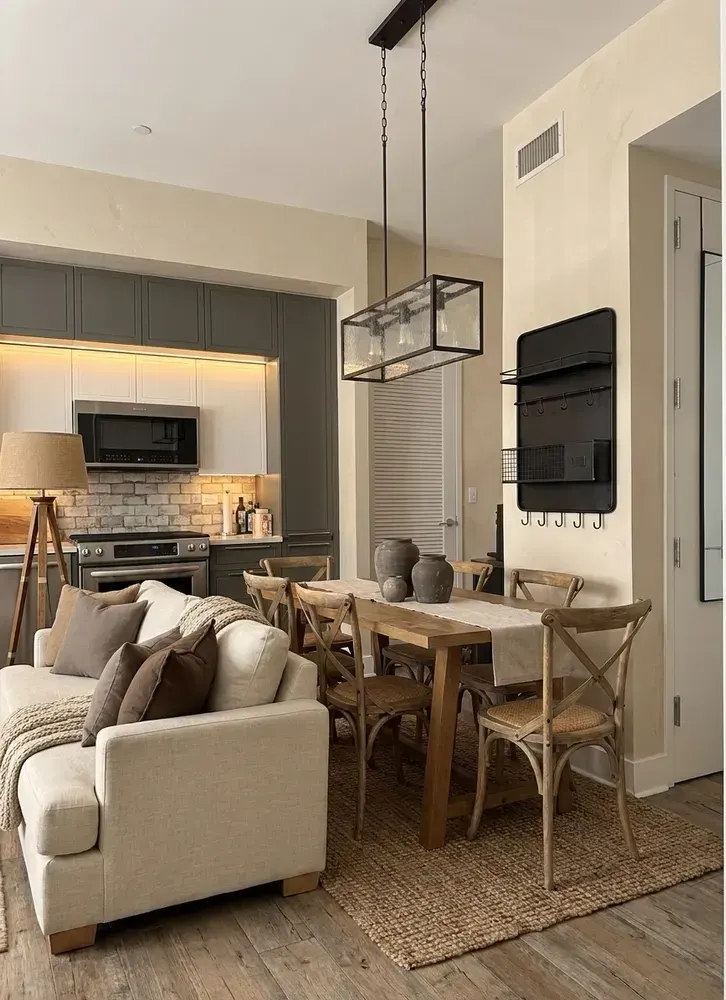
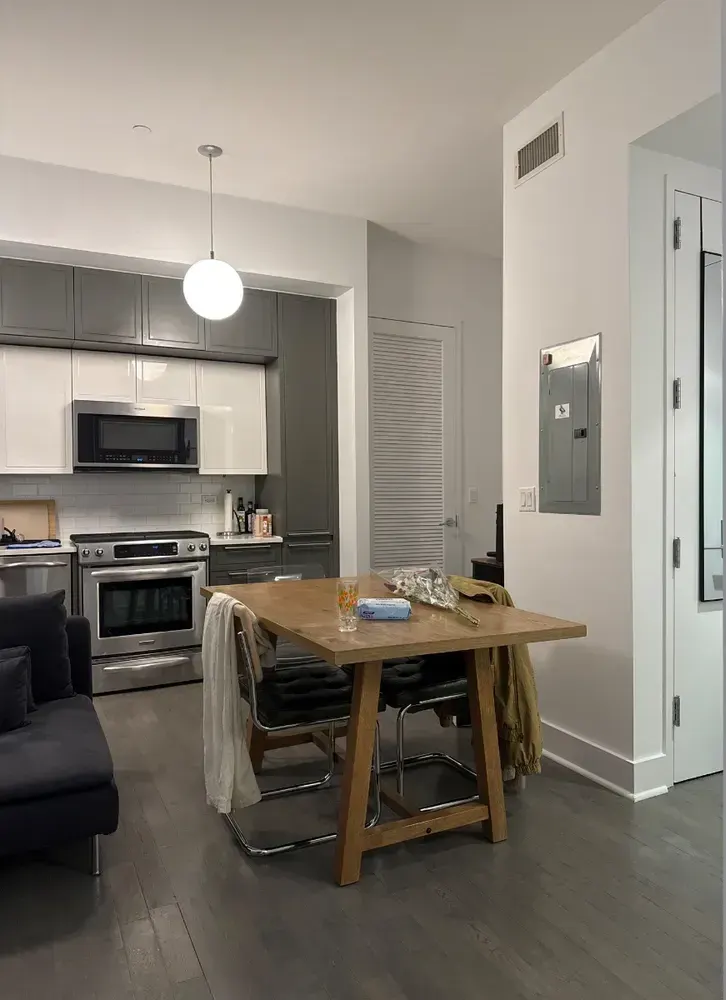 BeforeAfter
How it works
Photograph the room
Stand in a corner and fit as much of the room as you can. You can add up to 3 angles of the same room.
Choose a style
Pick one of 28 interior styles, describe your own in a sentence, or upload a photo whose look you love.
Compare and refine
Drag to compare before and after. Circle anything you want to change and type what you want instead.
Good to know
- Walls, floor, windows, doors and built-ins stay as they are by default. The redesign changes furniture, decor, textiles and lighting. If you want new walls or flooring, ask for it in the extra request.
- The result is an AI image of an idea, not a measured plan. Furniture sizes are approximate.
- Your photos are never used to train AI models or for advertising.
Questions
Will it change my walls and floor?
Not unless you ask. By default archelier keeps the walls, floor, windows, doors and built-ins as they are in your photo and changes what sits in the room. Add a note such as “paint the walls sage green” if you want them changed.
Can I find the furniture from the design?
Every design comes with a furniture list, and each piece links to a search for ones that look like it.
Is it free?
Yes. archelier gives everyone free designs every day, with no subscription. If you want more, you can buy a credit pack.
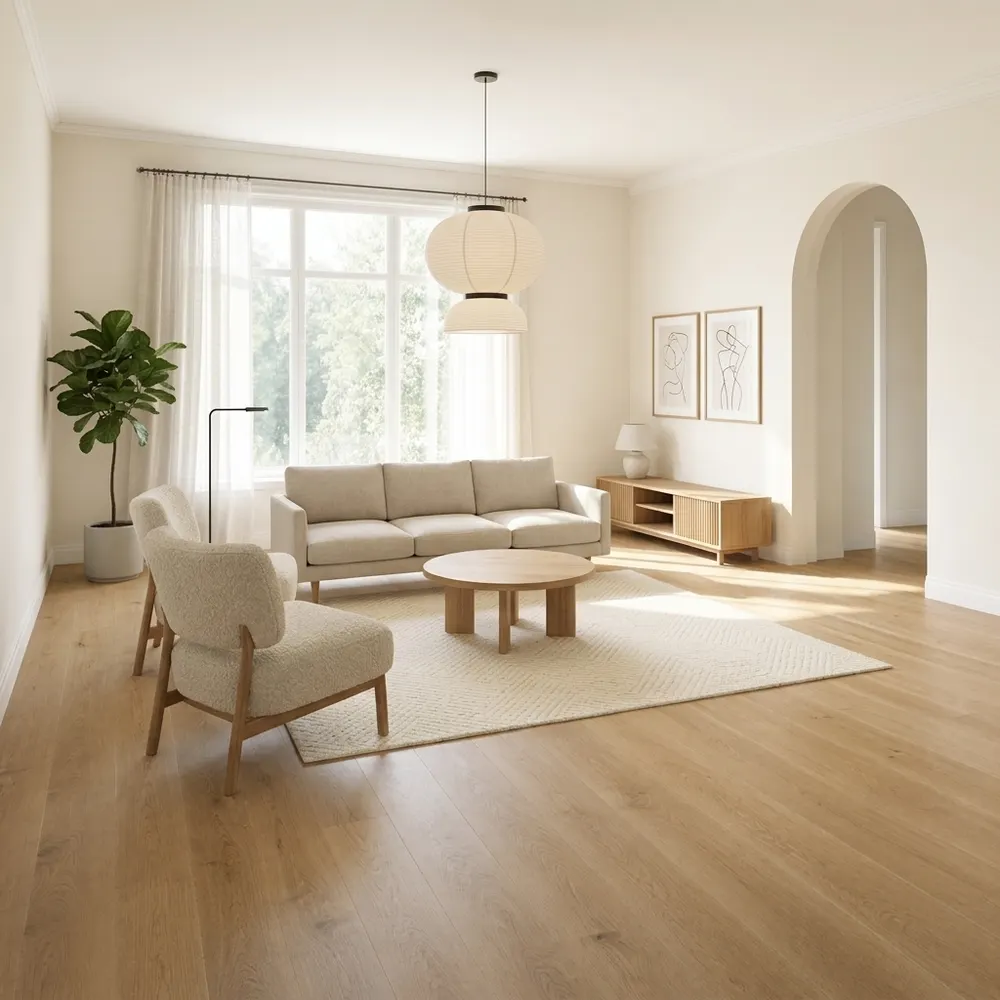 Virtual staging
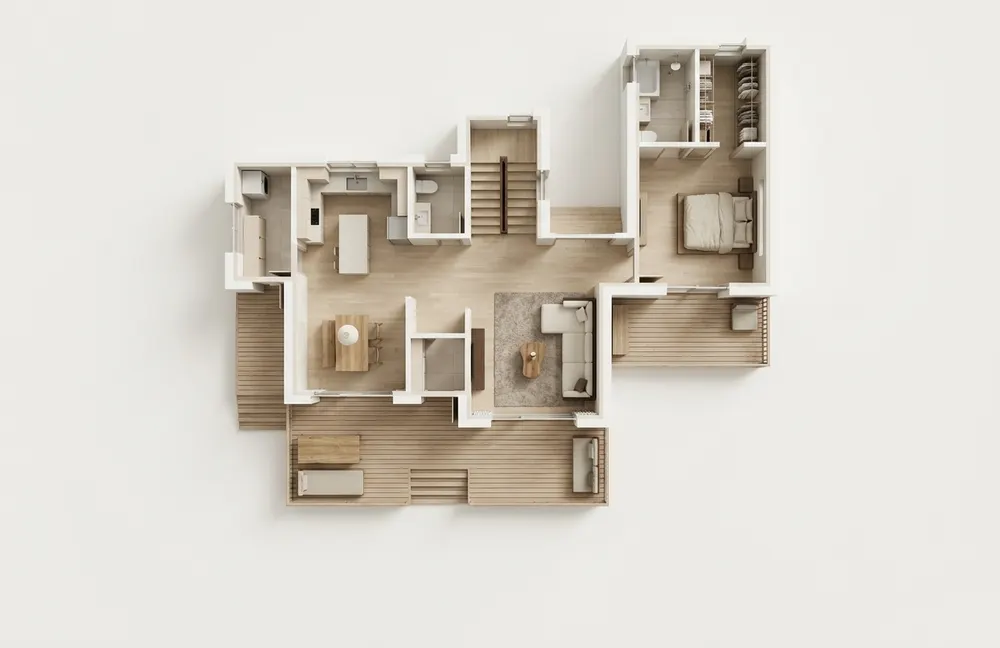 Floor plan to 3D
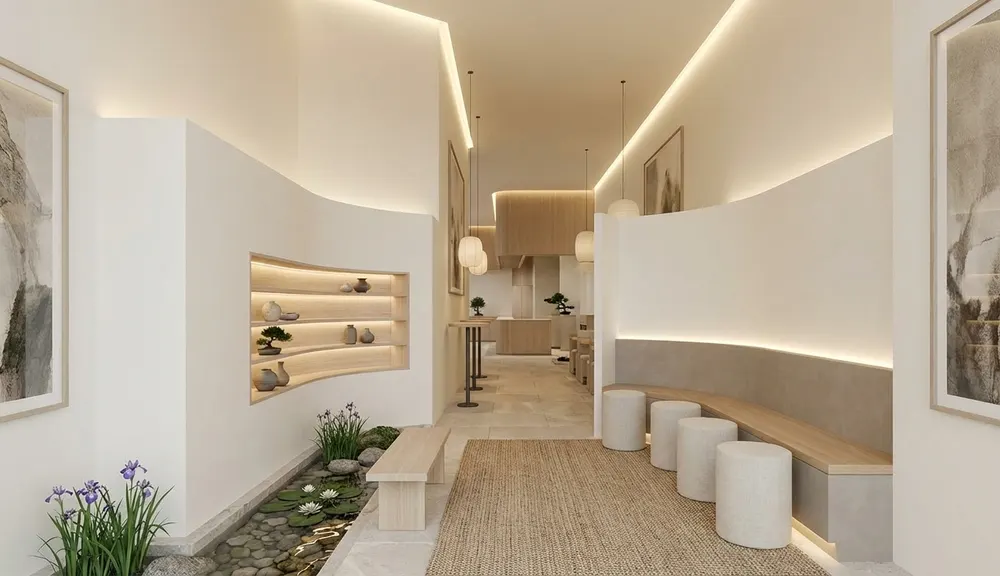 Sketch to render
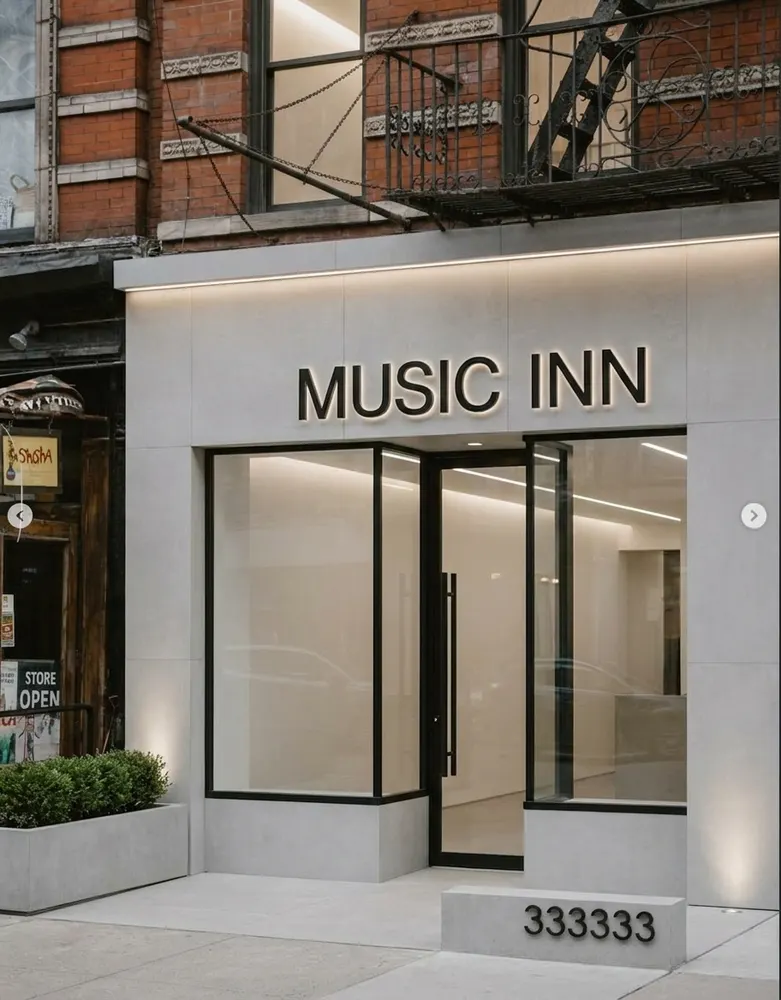 Exterior & garden
Try it on your own space.
Free designs every day, no subscription. On your phone and on the web.